From First Flash Cartridge to Multi-System ODE: A Storage Upgrade Path
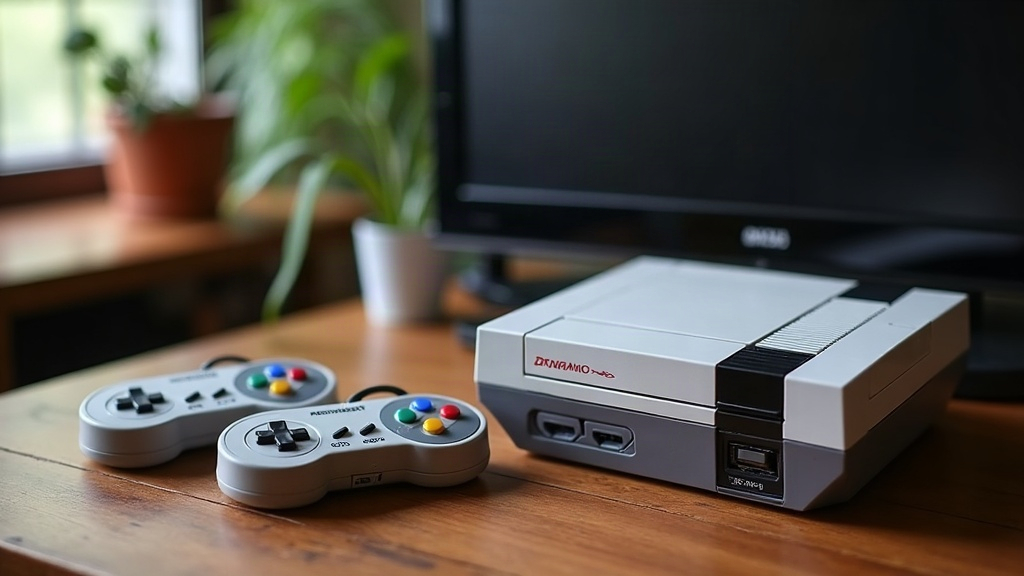
Upgrading retro game storage usually follows a predictable arc: you start with a single flash cartridge for one console, fall in love with the convenience, and eventually end up chasing a multi-system ODE (optical drive emulator) that lets a handful of machines boot games from an SD card instead of fragile carts and discs. This guide walks through that upgrade path step by step, explaining what each stage actually solves and when it’s worth spending more money.
Why Retro Storage Needs Upgrading at All
Original cartridges and discs are aging out, plain and simple. Cartridge batteries die and wipe save data, optical drives develop laser rot or belt slippage, and loose-pin connectors wear out after decades of being plugged in and yanked out. None of this is hypothetical. It’s the daily reality of running original hardware in 2026, whether you want to admit it or not.
Flash-based storage solves three problems at once:
- Reliability - no moving parts, no decaying lasers, no corroded battery leaks.
- Convenience - load any game in seconds instead of swapping physical media.
- Preservation - original cartridges and discs stay untouched in a box, reducing wear.
Stage 1: Your First Flash Cartridge
Most people enter the hobby with a single-console flash cart, something like an EverDrive, a Krikzz product, or a similarly styled board for SNES, Genesis, Game Boy, or NES. You load ROMs onto a microSD card, slot the cart into the console, and boot games from a menu. That’s it.
What to look for in a first flash cart:
- Save support - SRAM/flash saves that persist without a coin-cell battery.
- Compatibility coverage - mappers for the oddball titles you actually own, not just the big-name games.
- Build quality - solid shell, real connector pins, not a bargain clone that feels loose on day one.
This stage is cheap, low-risk, and immediately useful. It’s also where most collectors realize how much friction physical media was quietly adding to their hobby. Suddenly you’re not digging through a drawer of cartridges at 11pm trying to find the one with the working battery.
Stage 2: Expanding Across Multiple Cartridge Systems
Once the first flash cart proves itself, the natural next step is buying one per console: SNES, Genesis, N64, Game Boy Advance. Each system still needs its own dedicated cart, because cartridge pinouts and signal timing aren’t interchangeable. There’s no shortcut here.
At this point, organization starts to matter more than hardware:
- Keep a folder structure per system and label SD cards clearly. Trust me, “SD Card 3” written on masking tape will mean nothing to you in six months.
- Verify firmware updates before adding newly dumped titles, since compatibility lists change more often than people expect.
- Back up SD card images. Flash media fails too, just less dramatically than old batteries, and usually without warning.
Stage 3: Moving Into Disc-Based Systems
CD and DVD-era consoles (PlayStation 1/2, Saturn, Dreamcast, original Xbox) can’t use cartridge-style flash carts, because they read from optical media instead. This is where ODEs come in.
An ODE physically replaces the optical drive mechanism, intercepting the console’s drive commands and serving game images from an SD card or USB drive instead of a spinning disc. Popular examples include MODE for Sega Saturn, ODE boards for original Xbox, and SD2PSX-style solutions for PlayStation consoles.
Benefits over a flash cartridge at this stage:
- Eliminates laser failure entirely, the single most common point of death for these consoles.
- Near-instant load times compared to worn optical mechanisms that grind and stutter.
- No disc swapping for multi-disc RPGs or long adventure games (anyone who owned a copy of a sprawling 4-disc RPG back in the day knows exactly what a relief this is).
Stage 4: The Multi-System ODE
The final step in this upgrade path is a multi-system ODE: a single device, often paired with a menu front-end, capable of serving multiple console families from one interface. Instead of juggling separate SD cards and separate installed devices per console, a multi-system approach centralizes everything:
- One large storage pool shared across supported systems.
- One menu/browsing experience instead of several different cart UIs, each with its own quirks.
- Easier backups, since everything lives in one place instead of scattered across six microSD cards.
This stage isn’t strictly necessary for everyone. If you own two or three consoles, individual ODEs and flash carts may remain simpler and cheaper, honestly. Multi-system setups really pay off once you’re running five or more machines and want a unified library instead of a shelf full of SD cards you can never quite keep straight.
Choosing Where to Stop on the Path
Not every collector needs to reach stage 4. A practical way to decide:
- 1-2 consoles, casual play → a single flash cartridge is enough.
- 3-5 consoles, mixed cart/disc → individual flash carts plus per-console ODEs.
- 6+ consoles, serious collection → multi-system ODE setup worth the investment.
Conclusion
The path from a first flash cartridge to a multi-system ODE mirrors how most retro gaming hobbies naturally grow: start small to solve an immediate reliability problem, expand system by system, then consolidate once the collection becomes large enough to justify it. There’s no need to rush to the most advanced setup. Each stage delivers real, standalone value, and the right stopping point depends entirely on how many systems you’re actually running, not on what looks impressive in a forum post.