Spring Cleaning Checklist for Dusty Arcade PCB Boards in Garages
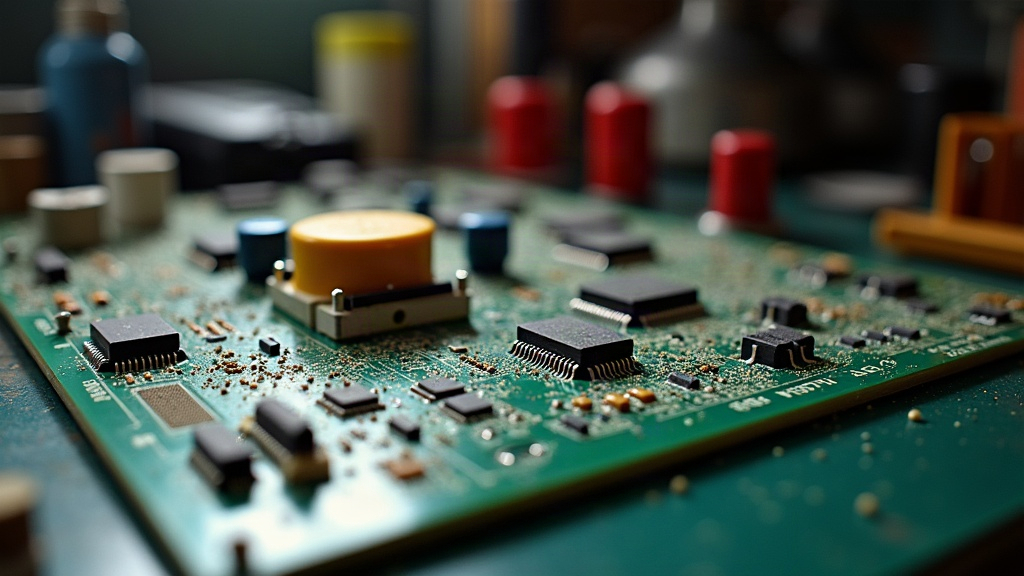
If your arcade PCB boards have spent the winter sitting in a garage, spring is the moment to go through them properly, clean, inspect, and recondition, before humidity and temperature swings quietly wreck something you’ll only notice in June when nothing powers on. This checklist covers dust removal, corrosion checks, battery replacement, and how to store things properly so your boards actually boot when you want them to.
Why Garage Storage Is Risky for PCBs
Garages are convenient. They’re also one of the worst places you could pick for electronics, honestly. Over a single season, boards pick up:
- Dust and debris that trap heat and hold moisture right up against the components
- Condensation from the swing between cold nights and warm days (this is the big one most people ignore)
- Corrosion on connectors, edge connectors, and battery contacts
- Pest activity (mice and insects genuinely love cardboard boxes and foam padding)
Ten or fifteen minutes of maintenance now saves you a repair bill later, or worse, a board that’s just gone.
Before You Start: Safety First
- Work static-safe. A wrist strap is ideal; touching a grounded metal object first is the bare minimum.
- Never clean a board while it’s powered or still connected to a cabinet.
- Snap a photo of the board and its wiring harness before pulling anything. Future-you will thank present-you when it’s time to put it back together.
The Spring Checklist
1. Visual Inspection
Pull each board and look it over under bright light. You’re hunting for:
- White or green powdery buildup near the battery holder (that’s leakage, almost always)
- Capacitors that look bulged or have dried residue leaking from the top
- Bent pins on edge connectors or ribbon cable headers
- Chew marks, if you’ve got rodents sharing the garage with your PCBs
2. Dust Removal
- Compressed air, held upright, blown into connector slots and between chip legs.
- A soft anti-static brush for the dust that clings to IC packages and won’t budge with air alone.
- Skip the vacuum directly on the board. Static discharge is a real risk here. If you need to vacuum nearby debris, keep the nozzle a few inches off.
3. Battery Check and Replacement
Most JAMMA and arcade boards run on a coin-cell or a soldered 3.6V battery to keep save data and settings alive.
- Corrosion visible, or the battery’s over 3-4 years old? Replace it now, don’t wait for it to fail.
- Clean corroded contacts with 90%+ isopropyl alcohol and a cotton swab. Water is a no.
- If there’s leakage residue, neutralize it first with a dab of vinegar on a swab, dry it off completely, then follow up with the IPA pass.
4. Connector and Edge Contact Cleaning
- Edge connectors get 99% isopropyl alcohol and a lint-free cloth.
- Light oxidation on gold or tin contacts comes off with a gentle pass of a pencil eraser. Wipe the residue away afterward, don’t skip that step.
- Check Molex/JST connectors for looseness or corrosion and reseat them firmly.
5. Capacitor and Solder Joint Check
- Hunt for cold or cracked solder joints, particularly around connectors that take physical stress during use.
- Bulging electrolytic caps go on a list for a future recap job. Don’t power on a board with visibly failed caps, that’s asking for trouble.
6. Function Test (Once Clean and Dry)
- Give the alcohol 5-10 minutes to fully evaporate before you power anything up.
- Test on a JAMMA tester, or a known-good cabinet, at low volume, watching (and smelling) for smoke or screen artifacts.
- Write down anything odd you notice. That turns a guessing game into a targeted repair later.
Re-Storage Tips for Next Season
- Store boards vertically, in anti-static bags, inside a rigid box. Not stacked flat with weight on top.
- Drop in silica gel packs for humidity control, and recharge or swap them each season.
- Keep boards off the garage floor entirely. Concrete is where moisture and temperature swings hit hardest. A shelf at least a foot up makes a real difference.
- Label each bag with the board’s name and the last-tested date. You’ll thank yourself in six months.
Frequently Asked Questions
How often should I clean stored arcade boards? Twice a year, minimum, spring and fall, right when temperature and humidity are shifting the most.
Can I use household cleaners on a PCB? No. Stick with 90%+ isopropyl alcohol. Household cleaners leave residue behind and can eat into the traces over time.
My board won’t power on after cleaning, what now? Check for leftover moisture first (just give it more drying time), inspect the fuses, and test connectors for continuity. Don’t jump straight to “the chip’s dead.”
Conclusion
A garage-stored arcade collection needs a seasonal routine, not a once-a-year emergency rescue. Give each board 20-30 minutes this spring: inspect it, clean it, check the battery, store it properly. It’s the cheapest insurance you’ll ever buy for your retro hardware.