Why Your Original PlayStation Skips FMVs but Plays Music CDs Normally
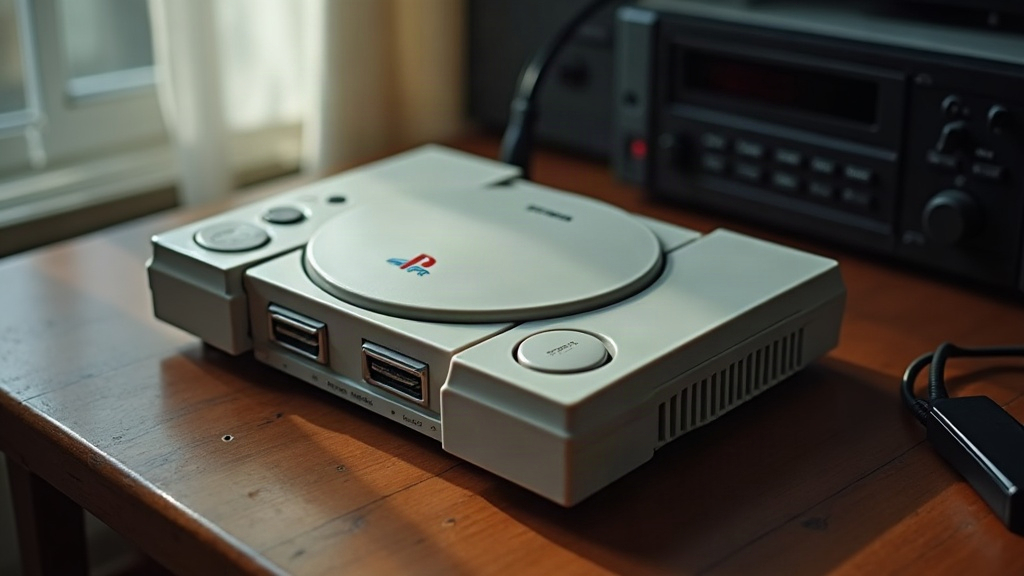
If your old PlayStation spins audio CDs without a hitch but chokes the moment a full-motion video cutscene kicks in (think the opening tanker sequence in Metal Gear Solid or the intro FMV in Final Fantasy VII), the culprit is almost always how the console handles different kinds of disc data. And no, you probably don’t need a whole new unit to fix it.
Why This Happens: Two Very Different Reading Jobs
It’s a fair question to ask: the same laser reads both discs, so why does one work fine while the other falls apart? Turns out audio CDs and game data discs ask completely different things of the optical drive.
- Music CDs (CD-DA) store everything in one continuous stream, read at a steady, low, predictable pace. No branching, no rapid seeking, nothing dramatic. If the laser wobbles slightly, the buffer smooths it right over.
- FMV playback is a different beast. The drive has to pull large chunks of compressed video and audio at a much higher sustained rate, often jumping between file segments mid-stream. Any weakness in laser strength, tracking, or spindle speed shows up instantly: stutter, frozen frames, a soundtrack that skips like a scratched record. Meanwhile the game logic, running from RAM, just keeps chugging along. That’s exactly why you get that familiar “audio garbles but the game never actually crashes” symptom.
Basically, music CDs are the easy test. FMV is the stress test. A drive can coast through the easy test for a decade and still fail the moment real pressure hits.
The Most Common Cause: A Weak or Aging Laser
The PS1’s laser diode wears down with age, no way around it. Because FMV demands a stronger, more consistent signal, a fading laser trips up there first, long before it has any trouble with plain old audio.
Signs it’s the laser:
- FMVs skip, stutter, or crackle while regular gameplay loads without issue
- Things get worse near the outer edge of the disc (FMV data often lives out there)
- The console takes noticeably longer to recognize a game disc than it used to
- Symptoms flare up when the machine is cold, or after a couple hours of continuous play
Other Common Culprits
1. Dirty or Worn Disc
Scratches and grime scatter the laser far more during high-speed FMV reads than during a slow audio spin. Worth trying:
- Clean the disc radially, from center to edge, never in circles
- Swap in a known-good, undamaged copy of the same game to rule out media wear
2. Drive Belt Wear (Fat/Slim Models with Belt-Driven Trays)
A stretched rubber belt throws off spindle speed just enough to mess with sustained reads, even though it barely bothers a short audio burst.
3. Dust and Dirt on the Lens
A PS1 that’s sat uncovered in a closet for twenty years collects a fine layer of dust right on the lens. That dust scatters light in almost the exact same way a dying laser does, which is why the two problems get confused so often.
4. Failing Capacitors on the Sled/Spindle Motor Circuit
On older boards, worn-out capacitors cause voltage to wobble under load. A music CD barely taxes the circuit; FMV playback pushes it hard, so this is where the instability shows up first.
How to Fix It
- Clean the lens. A basic CD lens cleaner disc handles light dust. For anything more stubborn, open the console and gently wipe the lens with a lint-free swab and 90%+ isopropyl alcohol.
- Adjust laser power. Most PS1 models, especially the SCPH-5501/5001 series, have a small potentiometer near the laser sled. Turning it slightly clockwise boosts power. Go in tiny increments, test after each turn. Crank it too far and you shorten the laser’s remaining life.
- Replace the belt if your model uses one. Kits run just a few dollars and installation is straightforward.
- Recap the board if the console has never been serviced. This one’s more advanced, but it clears up a huge chunk of those “intermittent under load” complaints.
- Try a disc swap first, before assuming the worst. Ruling out bad media takes two minutes and saves a lot of guesswork.
When to Consider Replacement
Cleaned the lens, bumped the laser power, confirmed the disc itself is fine, and FMVs still skip? At that point the laser diode is probably just worn out. Replacement units (KSM-440BAM fits most models) are cheap and this is one of the most common repairs collectors do to keep original hardware running for another decade.
Conclusion
A PlayStation that handles music CDs fine but chokes on FMVs isn’t really “broken,” not in the sense most people assume. It’s a textbook sign of laser wear or read-path degradation, the kind that only reveals itself once video playback pushes the drive past what a simple audio test ever demands. Start with a lens clean and a laser power tweak. That solves it more often than not, and it’s a fix well within reach of anyone who owns a screwdriver and a little patience.